Why we built it
We have been running website audits for clients for a while. The process was manual: log into a bunch of tools, pull the data, write a report. Fine for one client, not fine for ten. We wanted a product that could run a scan automatically, show results in a clean report, and generate a PDF we could put in front of a client without embarrassment.
The South African angle matters here. Most website health tools are built for US or European networks. They do not weight for data cost or mobile load times on local infrastructure. We wanted something that could flag when a site is 4MB on mobile and say: on MTN 4G in Johannesburg, this page takes 14 seconds to load. That is a real number for a real user.
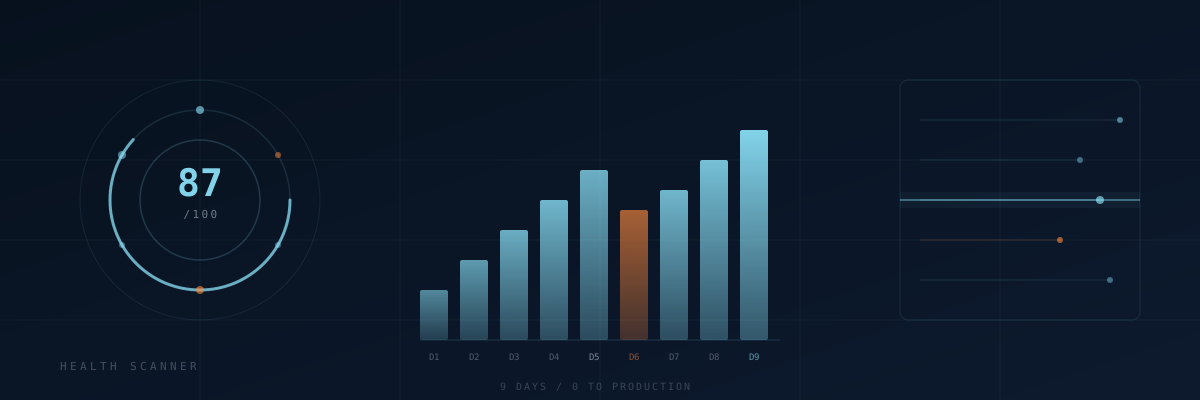
The actual 9-day timeline
Days 1 and 2: core scanner
We built the scanner engine first. It calls the Google PageSpeed Insights API, parses the Lighthouse JSON, and extracts the scores and diagnostics we care about. That part took about half a day. The other day and a half was spent on the proxy layer, because cPanel PHP cannot make outbound API calls without routing through a proxy endpoint. We had solved this pattern before on other tools, but we still spent time re-plumbing it correctly.
Cost at this point: R0 in infra. Google PSI API is free up to 25,000 requests per day. We are nowhere near that.
Day 3: report template
The report is static HTML generated server-side. No React, no build step. We used our existing nel404labs CSS tokens (the same dark navy and cyan palette you are reading right now) so the report looks like a natural extension of the product, not a bolt-on. The PDF generation uses a headless Chrome endpoint we already had running for another project. Reusing it saved us at least two days.
Days 4 and 5: scoring logic
This is where the real work was. Raw Lighthouse scores are a 0-100 number per category. That is too coarse for a health report. We built a secondary scoring layer that looks at specific audits: largest contentful paint, cumulative layout shift, unused JavaScript, image sizing, HTTPS configuration, meta completeness. Each audit gets weighted, and the composite score is what we show clients.
We also added a grading system: A through F, with colour coding. This sounds trivial but it took most of day 5 to calibrate. We scanned about 40 local business sites to make sure the grades were distributing sensibly. A lot of South African SMB sites score in the C to F range on mobile. That is not us being harsh. That is reality.
Days 6 and 7: rate limiting and abuse prevention
We launched a soft beta and immediately had someone hammer the scan endpoint from a single IP. Not malicious, just someone testing. We added a 15-second cooldown per scan, a 5-minute cooldown after 3 scans, and a 5-hour block after 5 scans in a window. This cost about R0 to implement but took a full day to get right because the state needed to persist between requests without a database, so we used flat-file caching on the server.
Day 8: lead capture and email
Every scan generates a lead record. We built a lightweight admin view that shows scanned domains, scores, and contact details if submitted. Email delivery runs through our existing Exim setup on the same cPanel server. We send a copy of the report to the user and a notification to us. Deliverability was fine after adding SPF, DKIM, and DMARC records, which we documented in a separate post.
Day 9: final fixes and deploy
The last day was cleanup. We found three PHP warnings from mismatched types in the scoring logic. We fixed the PDF layout on narrow screens. We tested on mobile. We wrote the landing page copy. We deployed to production and posted on a local developer Slack to get the first 10 scans from real people.
What broke
A few things went wrong that are worth noting:
- The proxy timeout: PageSpeed Insights sometimes takes 12-15 seconds on a slow site. Our proxy was set to a 10-second timeout. We hit this on day 4 and lost a bunch of test scans before we noticed. Fix was to raise the timeout to 30 seconds and add a loading state to the UI so users know the scan is running.
- The scan widget rate limit interaction: We added a scan widget to the main nel404labs.co.za site that calls the same scanner. When we launched both at the same time, the rate limiter was treating the widget and the main scanner as competing sources. We had to namespace the rate limit keys by source. Took about 2 hours to debug.
- PDF generation on the server: Headless Chrome needs about 512MB of RAM to run. Our shared hosting has limits. On busy days the PDF generation fails silently. We added a fallback that serves an HTML version of the report if the PDF job fails, with a retry button. Not ideal, but it keeps the product functional.
The numbers
Nine days of wall-clock time. Probably 40 hours of actual work. Direct infra cost to launch: R0, because we reused existing server capacity. We are on a cPanel hosting plan we already pay for. The scanner itself uses free APIs. The only marginal cost is bandwidth for delivering reports.
In the first week after launch we ran 146 scans. 19 of those left contact details. That is a 13% lead conversion rate from free tool to contact, which is better than most paid acquisition we have tried.
The product is still running. We iterate on it when we find issues. If you want to see what it produces, you can run a scan on your own site.